
Import and print company records
Maintain organisation profiles and business relationships.
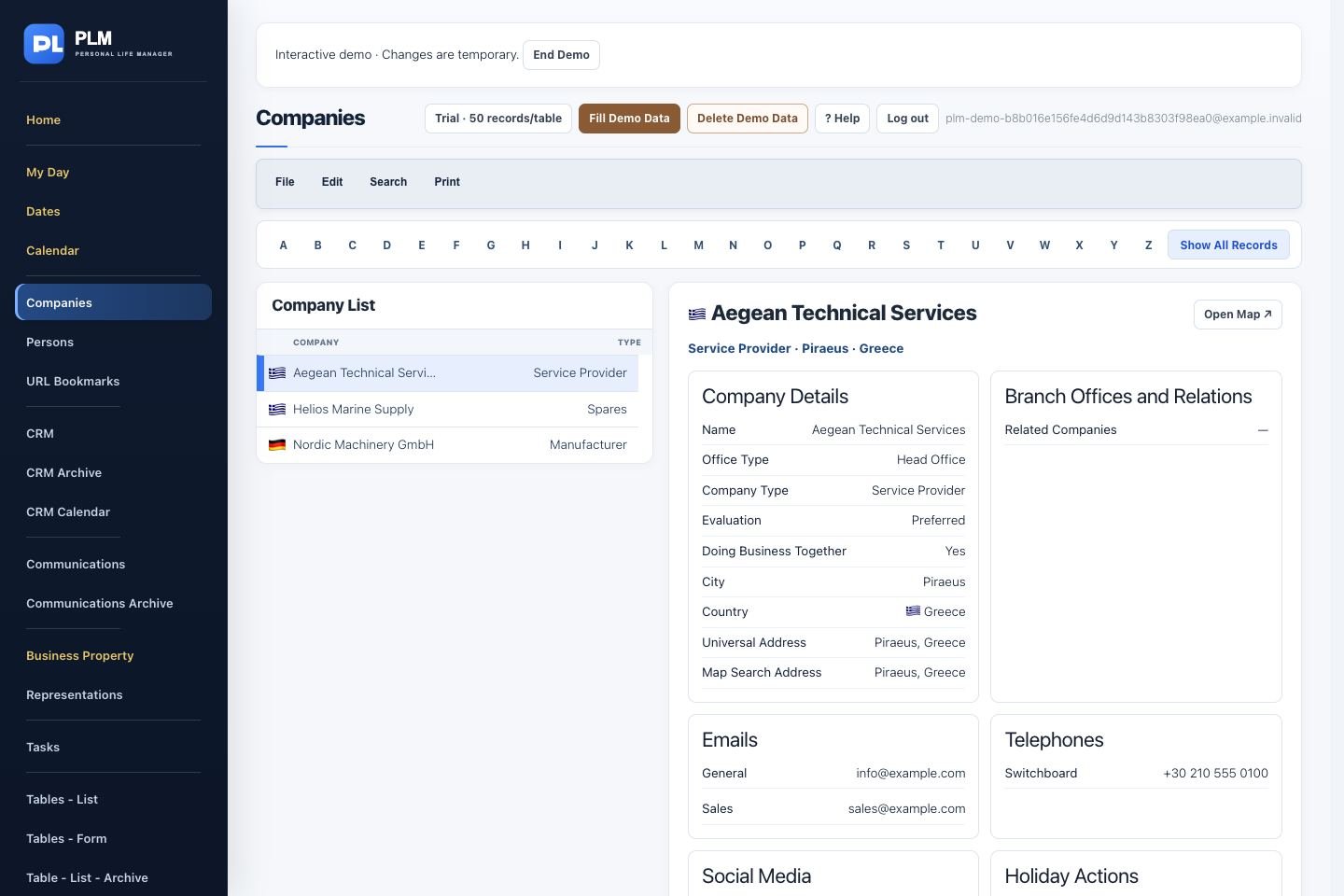
- Use the company CSV popup and review its instructions.
- Inspect imported records before repeating the import.
- Print a record or list and check the compact image layout in PDF preview.
Example
Begin a large import with two rows containing the main fields you use. Check their results before importing the remaining companies.
Check the result: Print a record or list and check the compact image layout in PDF preview.